
Adobe Photoshop Is Now Free Inside ChatGPT: Here’s What You Need to Know
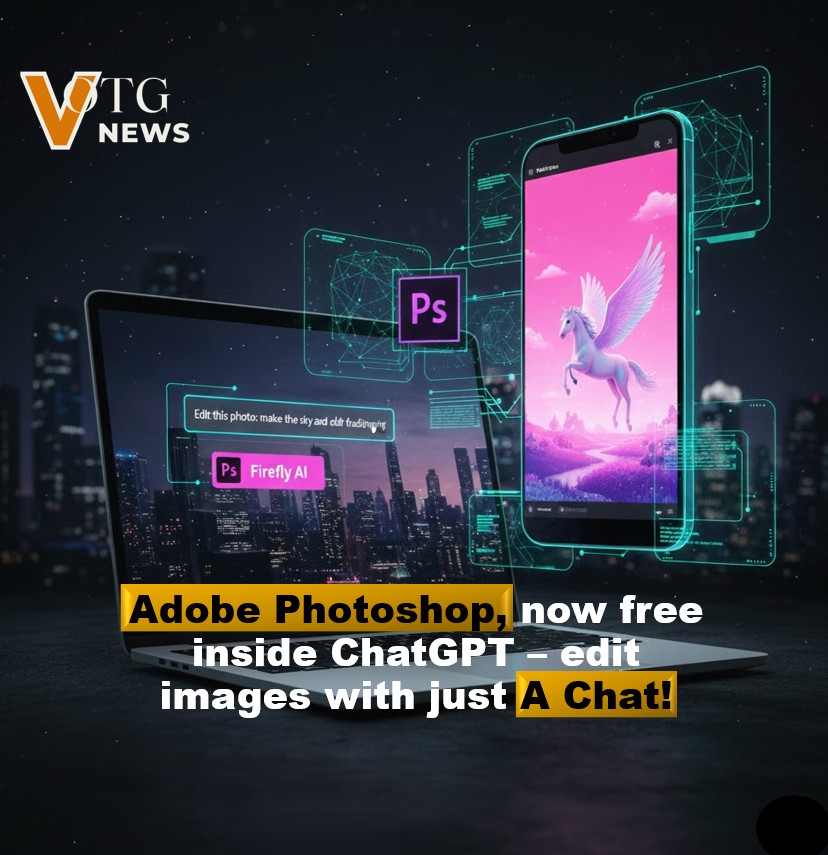
Adobe has taken a major step toward making professional creative tools more accessible. Photoshop is now available for free directly inside ChatGPT, allowing users to edit images through simple text prompts—no paid Photoshop subscription required.
12/17/20252 min read
What’s New?
Adobe has integrated Photoshop, Adobe Express, and Adobe Acrobat into ChatGPT. Instead of opening separate apps or learning complex interfaces, users can now edit images and documents by simply describing what they want in plain language.
For example, you can upload an image and say:
“Blur the background”
“Improve lighting and contrast”
“Remove distractions from the photo”
“Add a subtle artistic effect”
ChatGPT handles the request using Adobe’s tools behind the scenes.
What Can You Do with Photoshop in ChatGPT?
While this isn’t the full desktop version of Photoshop, it covers many of the most commonly used features, including:
Background blurring and cleanup
Color correction and lighting adjustments
Cropping, resizing, and basic retouching
Applying filters and visual effects
These tools are ideal for social media content, quick edits, marketing visuals, and everyday creative tasks.
Is It Really Free?
Yes. You don’t need a paid Photoshop subscription to use Adobe’s tools inside ChatGPT.
In some cases, you may be prompted to sign in with a free Adobe account to enable the connection, but there’s no cost involved. This makes professional-grade editing accessible to students, creators, small businesses, and casual users alike.
Supported Platforms
The Adobe integration is currently available on:
ChatGPT Web
ChatGPT Desktop
ChatGPT on iOS
Android support is expected to roll out soon.
How to Get Started
Getting started takes just a minute:
Open ChatGPT (web, desktop, or iOS).
Go to Settings → Apps & Connectors.
Connect Adobe Photoshop (and optionally Adobe Express or Acrobat).
Upload an image and describe the edit you want.
From there, you can continue refining the image through conversation.
Why This Matters
This integration changes how people interact with creative software. Instead of mastering complex tools, users can focus on ideas and outcomes. By combining Adobe’s trusted technology with ChatGPT’s natural language interface, creative work becomes faster, simpler, and more accessible.
For quick edits, content creation, or learning the basics of image editing, Photoshop inside ChatGPT is a game-changer.
Final Thoughts
Adobe’s move to bring Photoshop into ChatGPT marks a shift toward more intuitive creative workflows. While advanced professionals may still rely on the full desktop app, this free integration is perfect for everyday use—and a powerful glimpse into the future of creative tools.
Disclaimer: This update is shared based on publicly available information. VOTG News is not responsible for any decisions made based on this news. The image is AI-generated only for illustration